GUIDE // START HERE
How to set up Bitcoin
Get a wallet, back up your seed phrase, receive your first sats.
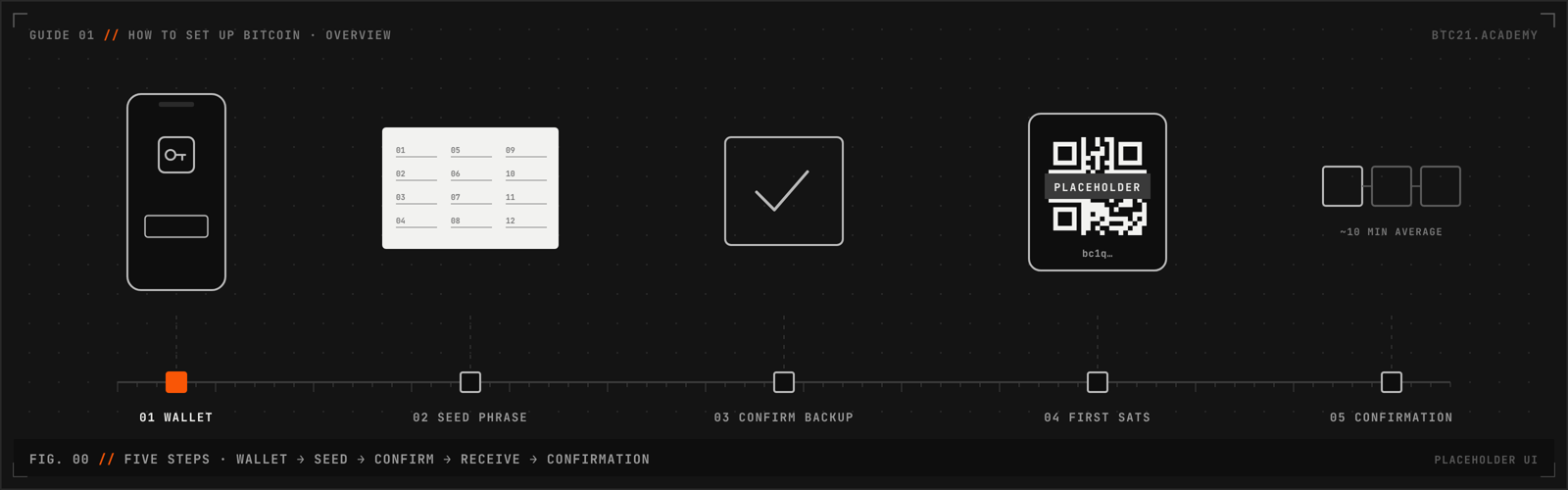
Progress // Step 01 of 05
Saved on this device only
- 01 WALLET
- 02 SEED PHRASE
- 03 CONFIRM BACKUP
- 04 FIRST SATS
- 05 CONFIRMATION
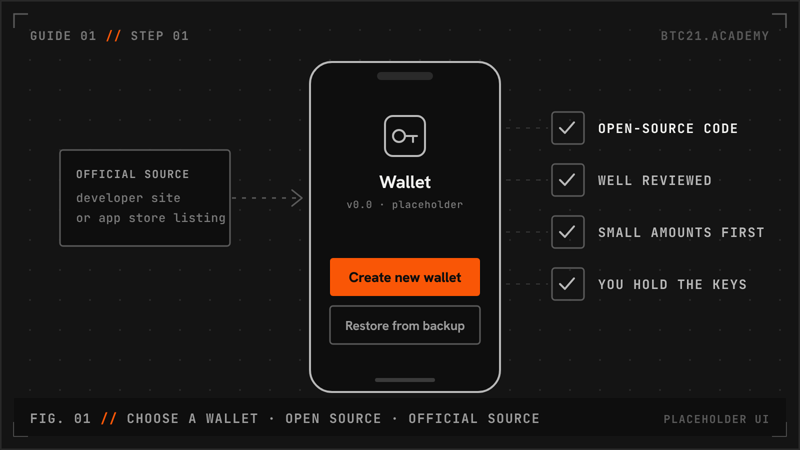
For a first small amount, start with a well-reviewed, open-source mobile wallet. Install it only from the developer’s official site or the official app store listing.
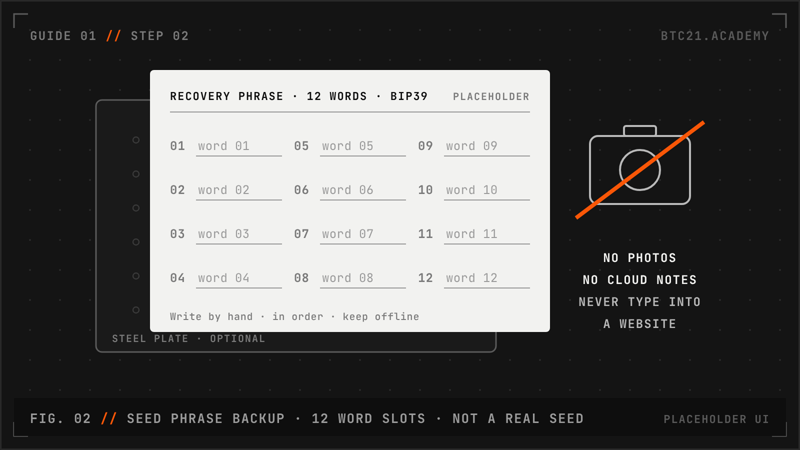
The wallet shows 12 or 24 words (BIP39). Write them on paper, in order, with their numbers. These words can restore your coins in any compatible wallet.
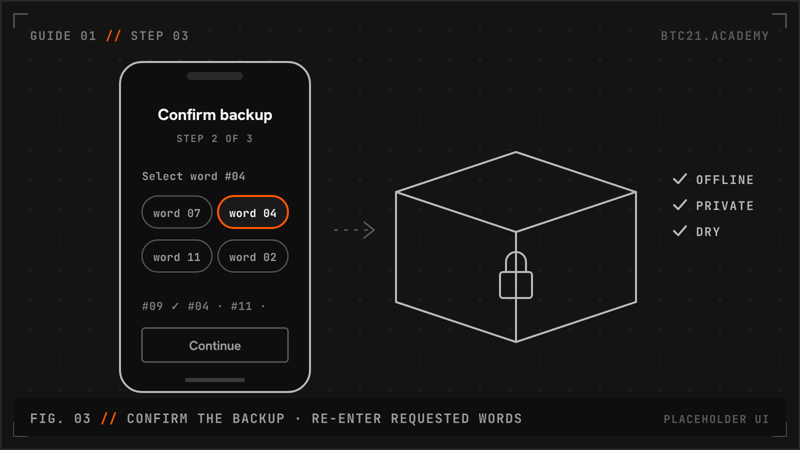
Most wallets ask you to re-enter some of the words. Do it, then store the paper somewhere private, dry and out of sight of cameras.
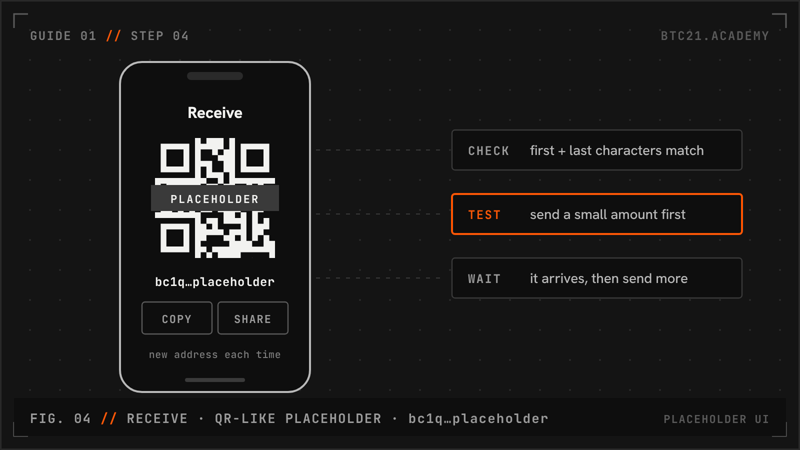
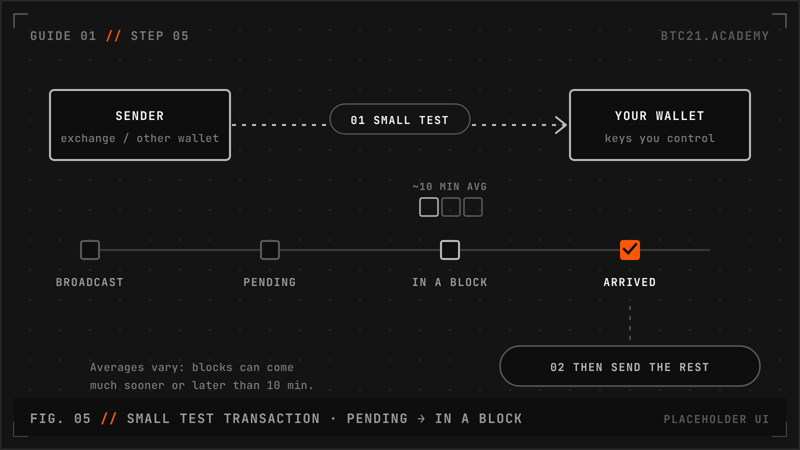
Tap Receive and share the address or QR code. Send a small test amount first and check it arrives before sending more.
The payment shows as pending until it is in a block. Blocks are found about every 10 minutes on average, sometimes much sooner or later.
No invented stats.